

下载更多材料
虽然你可以一次手动向 OghmaNano 添加一种材料,但许多材料已经包含在成熟的在线数据库中。其中最大的之一是 refractiveindex.info。OghmaNano 包含一个更新器,可从 refractiveindex.info 的 GitHub 页面自动下载该数据库——其中包含数千种材料,本教程将向你展示如何操作。OghmaNano 项目本身也提供额外材料,可通过 oghma-nano.com 网站以及 OghmaNano 数据库获取,这两者都可使用同一安装器访问。运行安装器不仅会添加新材料,还会更新数据库中所有现有条目。

?? 显示了 OghmaNano 中的 Databases 功能区。在右侧,高亮显示了 Update Databases 按钮;点击它会打开更新器窗口。
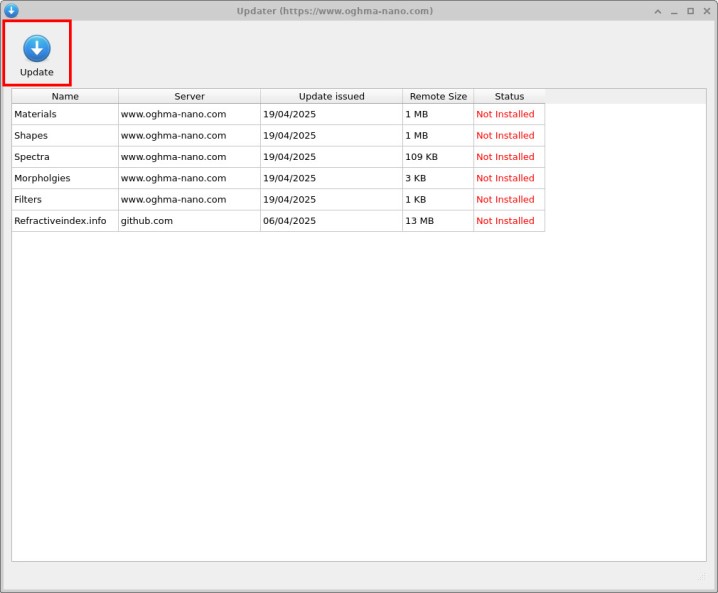
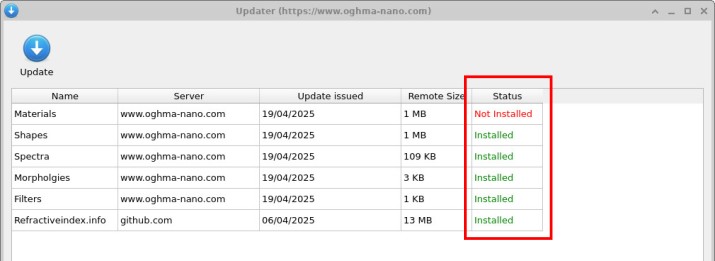
在更新器窗口中(??)你可以看到多个更新源。部分更新直接来自 OghmaNano 项目(通过 oghma-nano.com 站点),用于提供新的材料、形状与滤光片。底部是指向 refractiveindex.info GitHub 仓库的链接,其中包含数千种材料,是最主要的来源——与其他仓库相比其包体积更大(约 13 MB)。点击 Update 后,OghmaNano 会下载并安装所选来源,包括 refractiveindex.info 数据集。流程完成后,更新器会像 ?? 中那样显示标记为 Installed 的条目。总耗时取决于你的互联网连接速度。
接下来,返回材料数据库(通过 Databases 功能区上的 Materials Database 按钮)。你会看到一个名为 refractive_index_info 的新条目,如 ?? 所示。该文件夹是完整的 refractiveindex.info 数据集,已下载并转换为 OghmaNano 的格式。双击 refractive_index_info 条目以浏览其内容。如 ?? 所示,该目录包含数百条材料记录——使超过一千种材料可用于你的仿真。
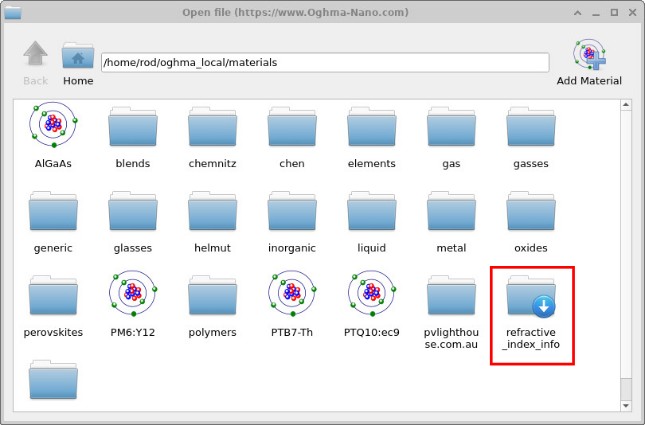
refractive_index_info,其中包含 refractiveindex.info 数据集。
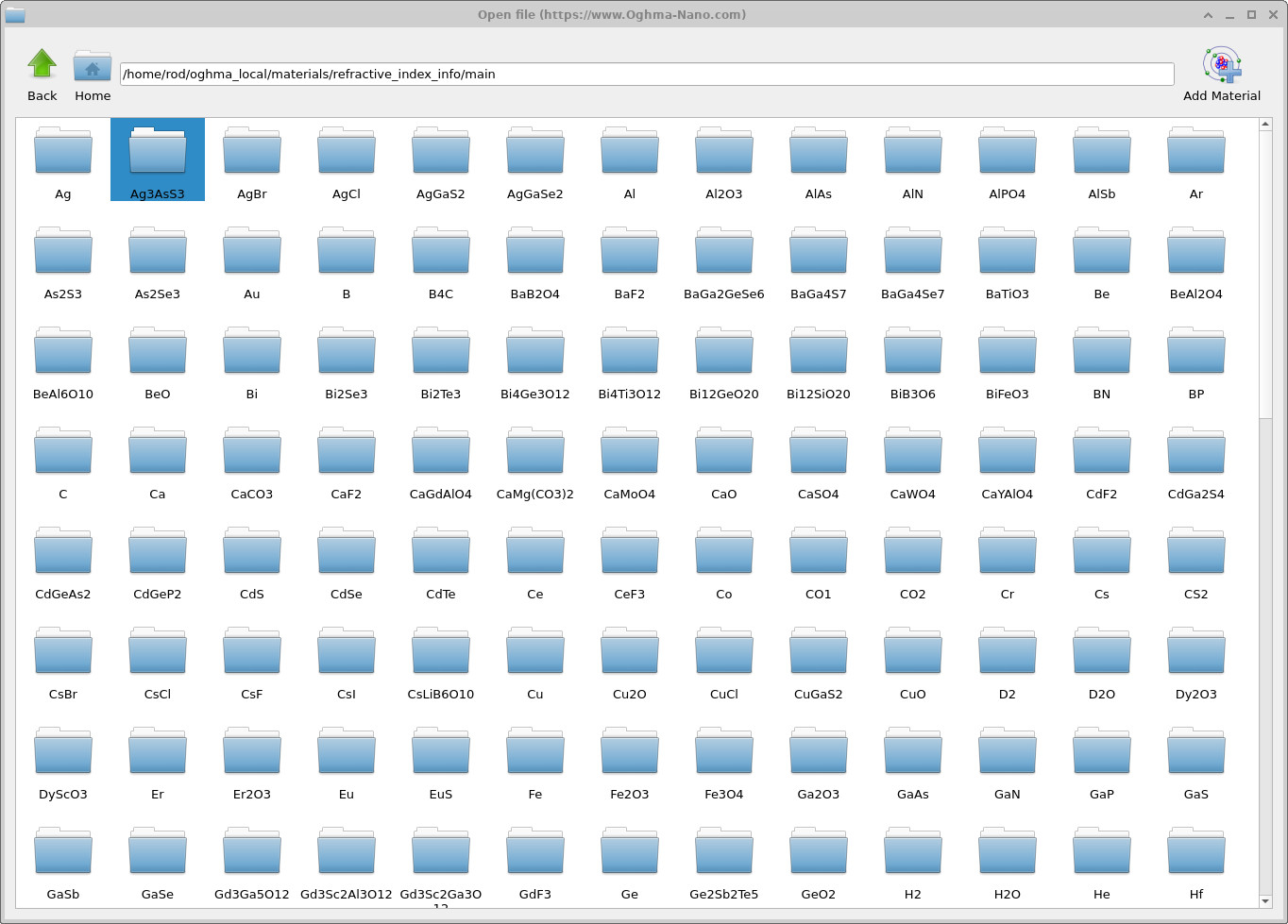
refractive_index_info 目录内:从 refractiveindex.info 下载的数百条材料条目,使超过 1,000 种材料可在 OghmaNano 中访问。