Home Examples Screenshots User manual Bluesky logo YouTube
OghmaNano Multiphysics simulation platform for optoelectronic devices and photonic systems DOWNLOAD Quick Start guide

2D slab waveguide mode solver (TE/TM)

In this tutorial we calculate the guided optical modes supported by 2D slab waveguide structures using the OghmaNano optical mode solver. The tutorial demonstrates how to construct optical meshes, solve transverse electric (TE) and transverse magnetic (TM) eigenmodes, and visualise confined optical field distributions in dielectric waveguides.

OghmaNano Optical ribbon showing the Optical mesh button highlighted.
Click the Optical mesh button in the Optical ribbon to open the Optical mesh editor. The button is highlighted in the red box above.
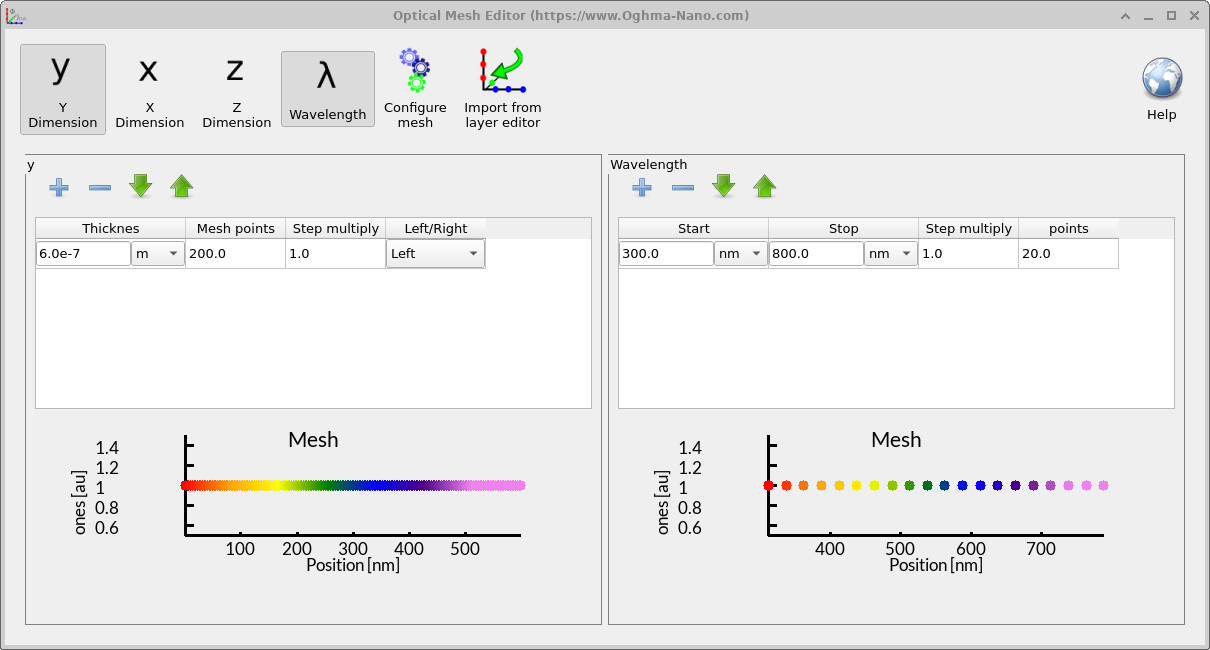
OghmaNano Optical Mesh Editor showing the Y-dimension mesh with wavelength points.
The Optical Mesh Editor showing the 1D mesh in the Y direction. If you click on the X button in the toolbar, the X-dimension mesh can also be edited.
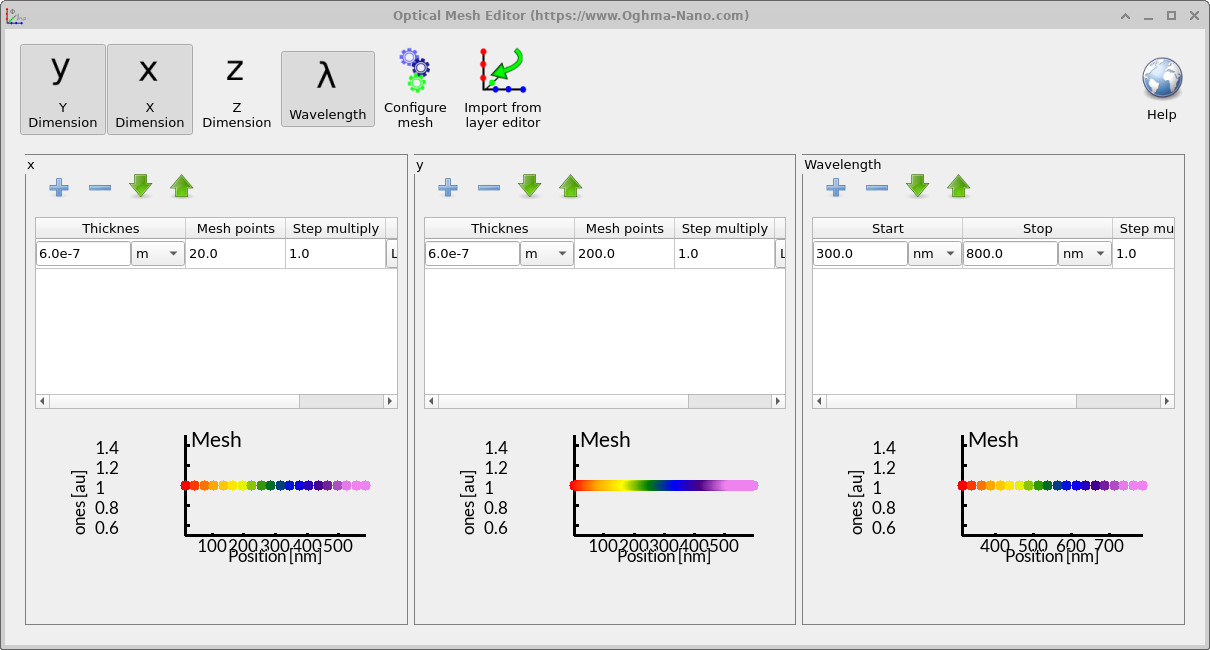
OghmaNano Optical Mesh Editor showing both X and Y dimension meshes with wavelength points.
After adding the X mesh and setting the number of mesh points to 20, both the X and Y meshes are defined, enabling a full 2D optical mesh.

1. Constructing a 2D slab waveguide

Open New simulationMode solvers and select the 1D slab waveguide example. Configure the layer stack (e.g., 500 nm / 500 nm / 500 nm) and refractive indices (n = 1 / 4 / 1 for cladding / core / cladding in this example). Set polarization to Transverse electric (TE).
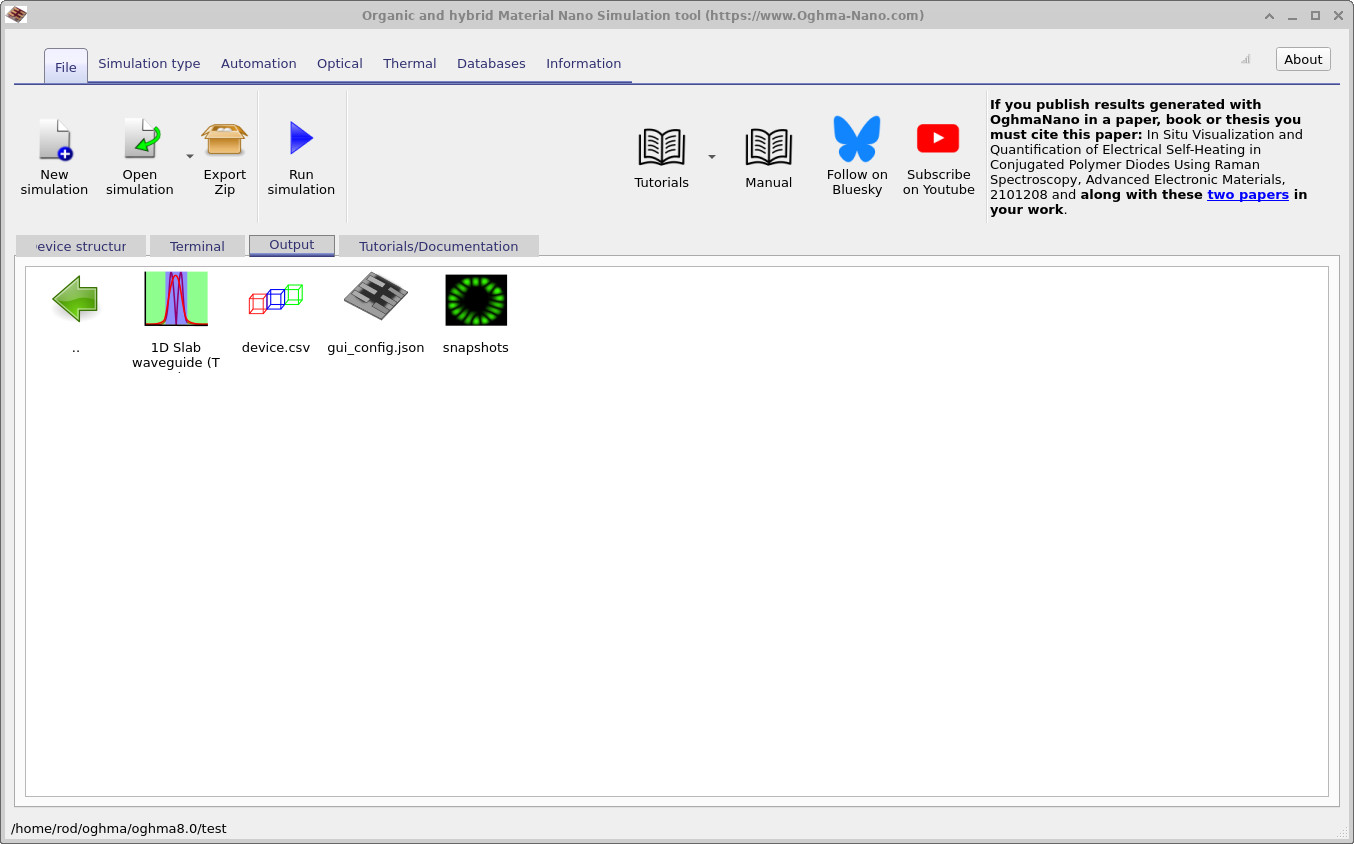
OghmaNano Output tab showing the snapshots folder after a simulation has been run.
The Output tab after running the simulation. Here the snapshots folder is available — double-click it to open the snapshots viewer.
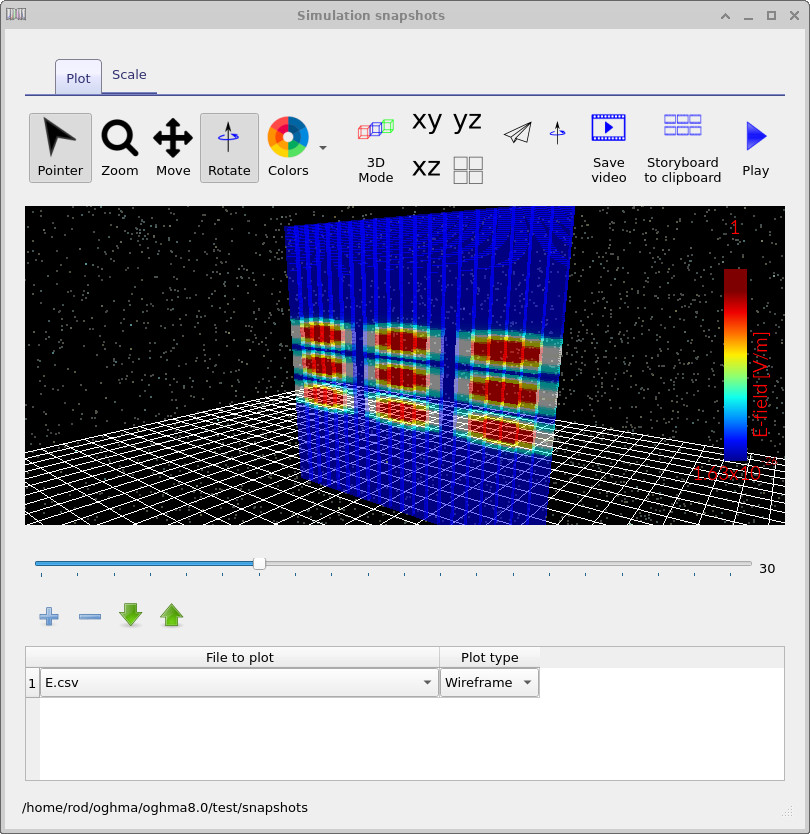
OghmaNano snapshots window showing a 2D electric field profile of the slab waveguide.
The Snapshots window displaying the calculated electric field distribution in the slab waveguide. By clicking the Add button and selecting Electric field, the 2D field profile is shown.

👉 Next step: Now continue to Part C for a more detailed OPV tutorial, including outputs, device layers, and advanced analysis.