

Output Sweeps in OghmaNano
What are output sweeps?
Most simulation editors in OghmaNano provide the ability to write parameter sweeps to disk. Output sweeps are datasets written as a function of simulation step rather than as individual simulation snapshots.
For example:
- During a JV simulation, quantities can be stored as a function of voltage.
- During a transient simulation, quantities can be stored as a function of time.
- During parameter scans, quantities can be stored as a function of the scanned variable.
Unlike simulation snapshots, which store the full internal device state at each step, output sweeps instead store reduced quantities already processed as a function of simulation coordinate.
This makes output sweeps substantially easier to analyse because quantities are already arranged into directly plottable datasets.
The output sweep controls can usually be found in the configuration window of the relevant simulation editor. For example, the JV editor shown in ?? contains the option:
Save parameter sweeps
which has been set to:
Disk
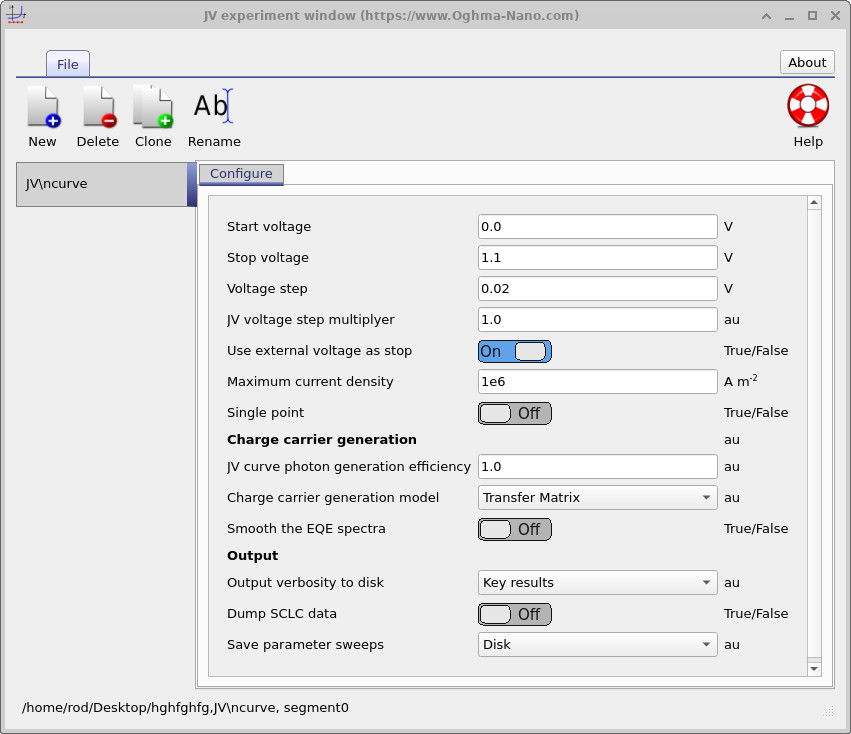
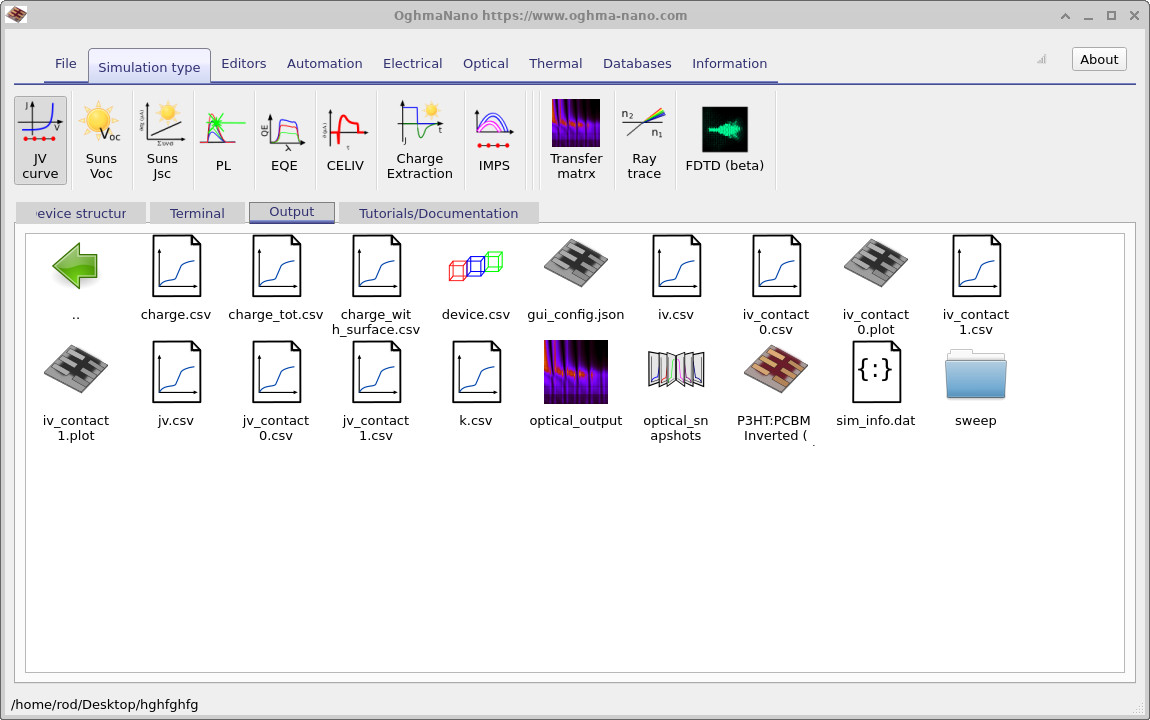
sweep folder.
Sweep output files
When output sweeps are enabled, OghmaNano generates a directory called:
sweep
This directory contains datasets describing quantities as a function of simulation coordinate such as voltage or time.
For example:
- Carrier density versus voltage.
- Current density versus time.
- Trap occupancy versus bias.
- Recombination rate versus simulation step.
The contents of a typical sweep directory are shown in ??.
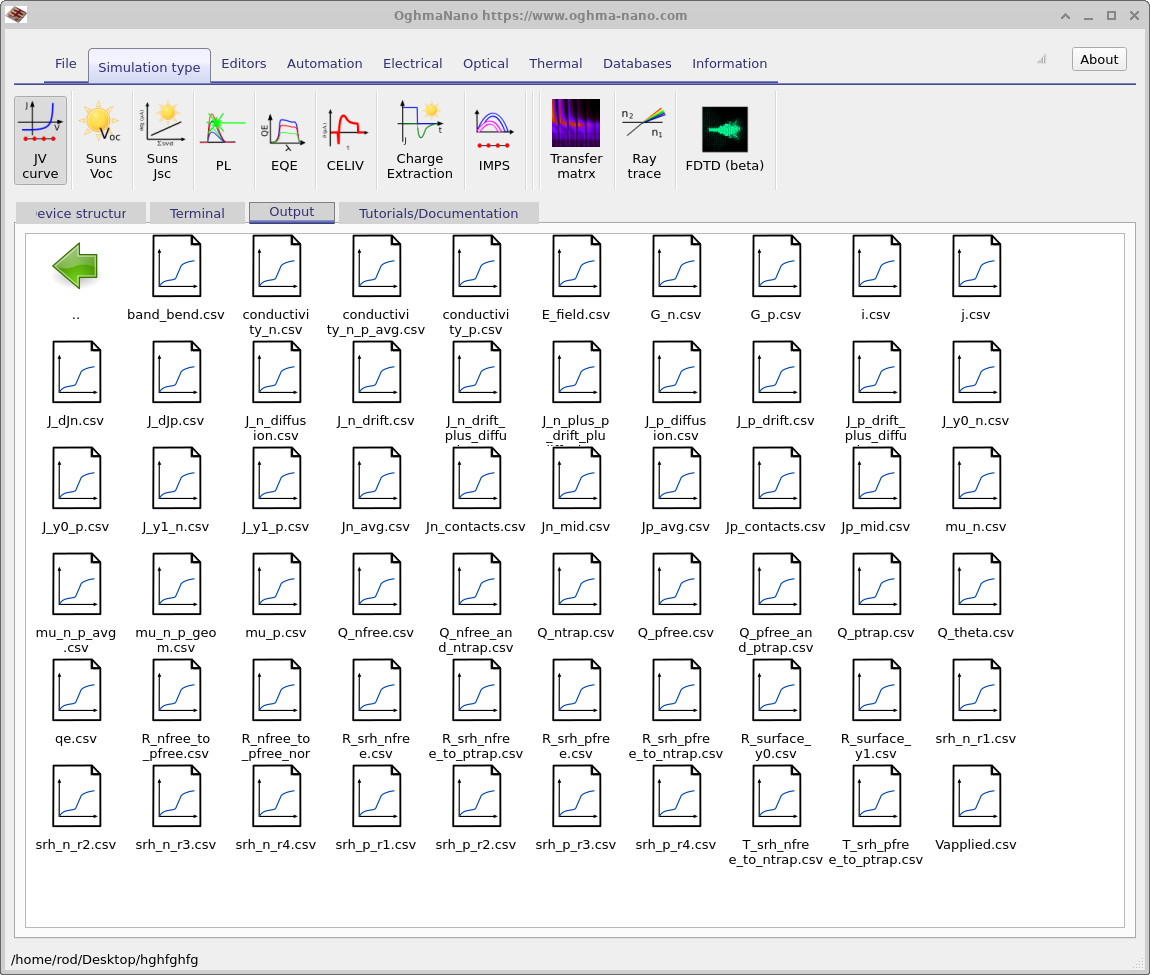
Each file represents a particular physical quantity plotted as a function of voltage, time, or another simulation parameter. This avoids the need to manually extract the information from individual snapshots or write custom post-processing scripts.
Plotting sweep data
Sweep datasets can be opened directly inside OghmaNano by double-clicking on the required file.
For example, if the file:
Q_nfree.csv
is opened, OghmaNano automatically plots the free electron density as a function of voltage, as shown in ??.
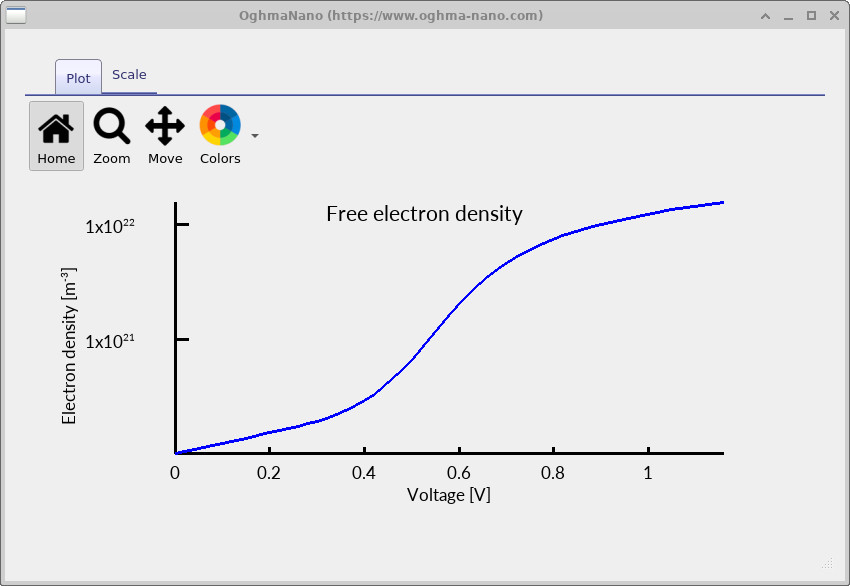
Output sweeps provide a convenient way to analyse simulation behaviour without needing to manually process large numbers of snapshot files. Because the quantities have already been reduced to one-dimensional parameter sweeps, they can usually be plotted and interpreted immediately.
Internally, sweep files use exactly the same OghmaNano output format described previously, meaning they can be stored either as human-readable CSV files or compact binary datasets.
💡 Tip: Output sweeps are often substantially smaller and easier to analyse than full simulation snapshots because they only store reduced quantities rather than the complete device state.