

Radio-Wave Scattering from Stonehenge
1. Introduction to RF Scattering
Radio waves interact with objects whose dimensions and material properties are comparable to the electromagnetic wavelength. When a wave encounters a structure, some energy may be reflected, some may pass through the material, and some may be redirected by scattering and diffraction. These effects determine the signals received by antennas and detectors, and are central to radio propagation, radar, and wireless communications.
In this tutorial we use Stonehenge, the prehistoric stone monument in southern England, as a recognisable example of a geometrically complex scatterer. Its standing stones, lintels, fallen stones and open spaces create a more interesting RF environment than a single sphere or rectangular block. The example is a simplified numerical model of the surviving monument, not a survey-accurate archaeological reconstruction.
The simulation uses OghmaNano's three-dimensional finite-difference time-domain (FDTD) solver to calculate the electric field E and magnetic field H. Although FDTD is often introduced at optical wavelengths, Maxwell's equations can also be solved at radio frequencies; the physical dimensions, excitation and material data must simply be appropriate for the RF problem. For background, see What is FDTD? and FDTD sources.
Here we will look at two complementary results: how electromagnetic fields develop across the simulation, and how Stonehenge changes the frequency-dependent power flow at a detector compared with a reference calculation containing air alone. We will then replace Stonehenge with a simple residential street to illustrate a different RF scattering environment.
2. Creating the Stonehenge Simulation
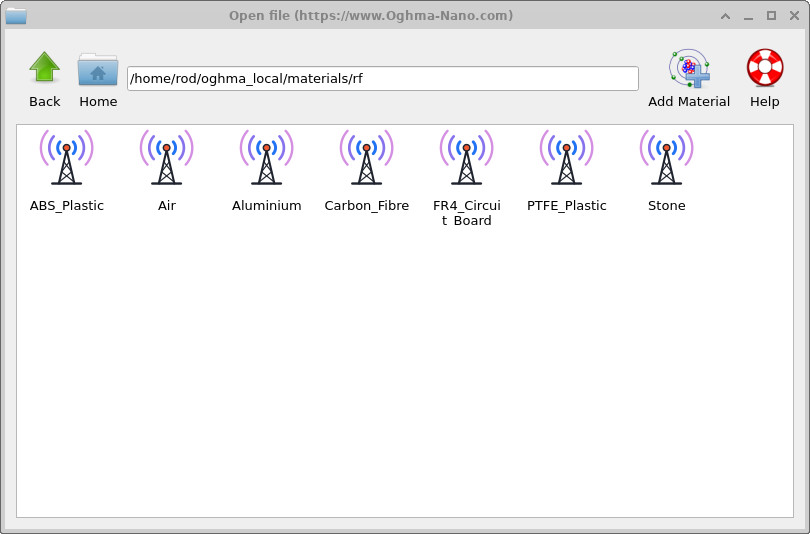
Start OghmaNano and select New simulation. The opening template library is shown in ??. Open the RF examples and select the Stonehenge simulation, shown in ??. Save the new simulation in a directory where you have permission to write files. This tutorial uses the ready-made example, so there is no need to create the stone geometry manually.
💡 Tip: Save your simulation to a local drive rather than a network or synchronised folder. FDTD calculations can write many intermediate output files; see speeding up simulations.
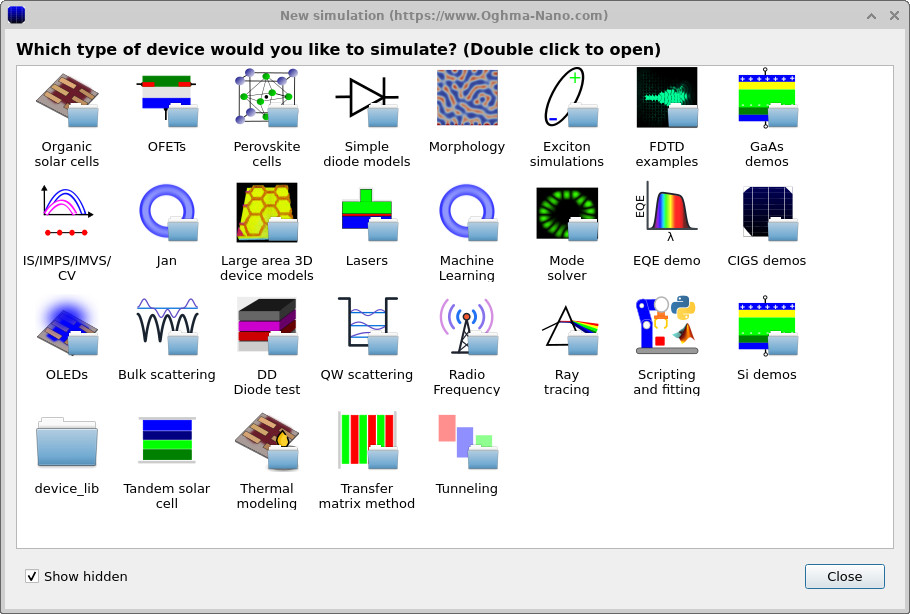
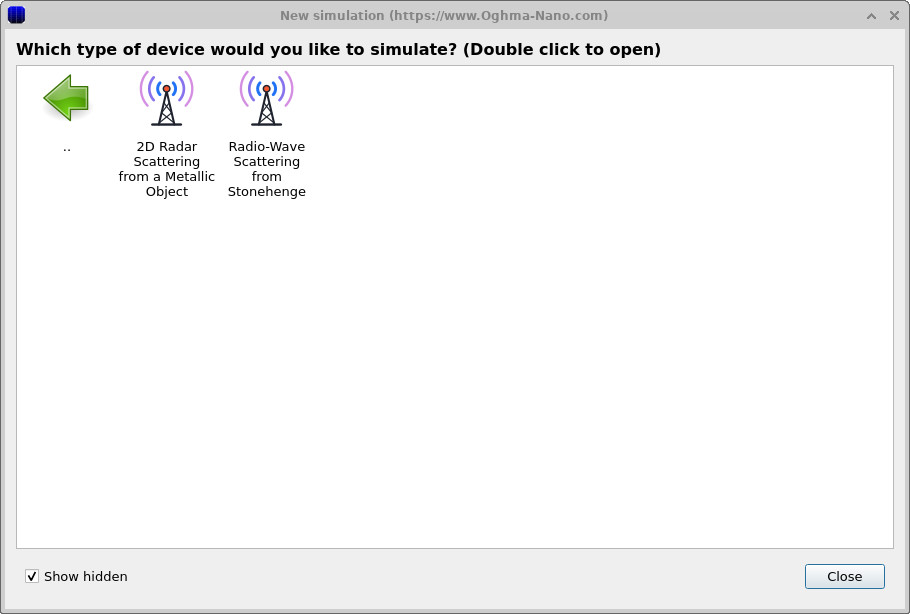
The example selection screen in ?? shows the supplied starting points for the RF study.
3. Explore the Geometry and Run the Simulation
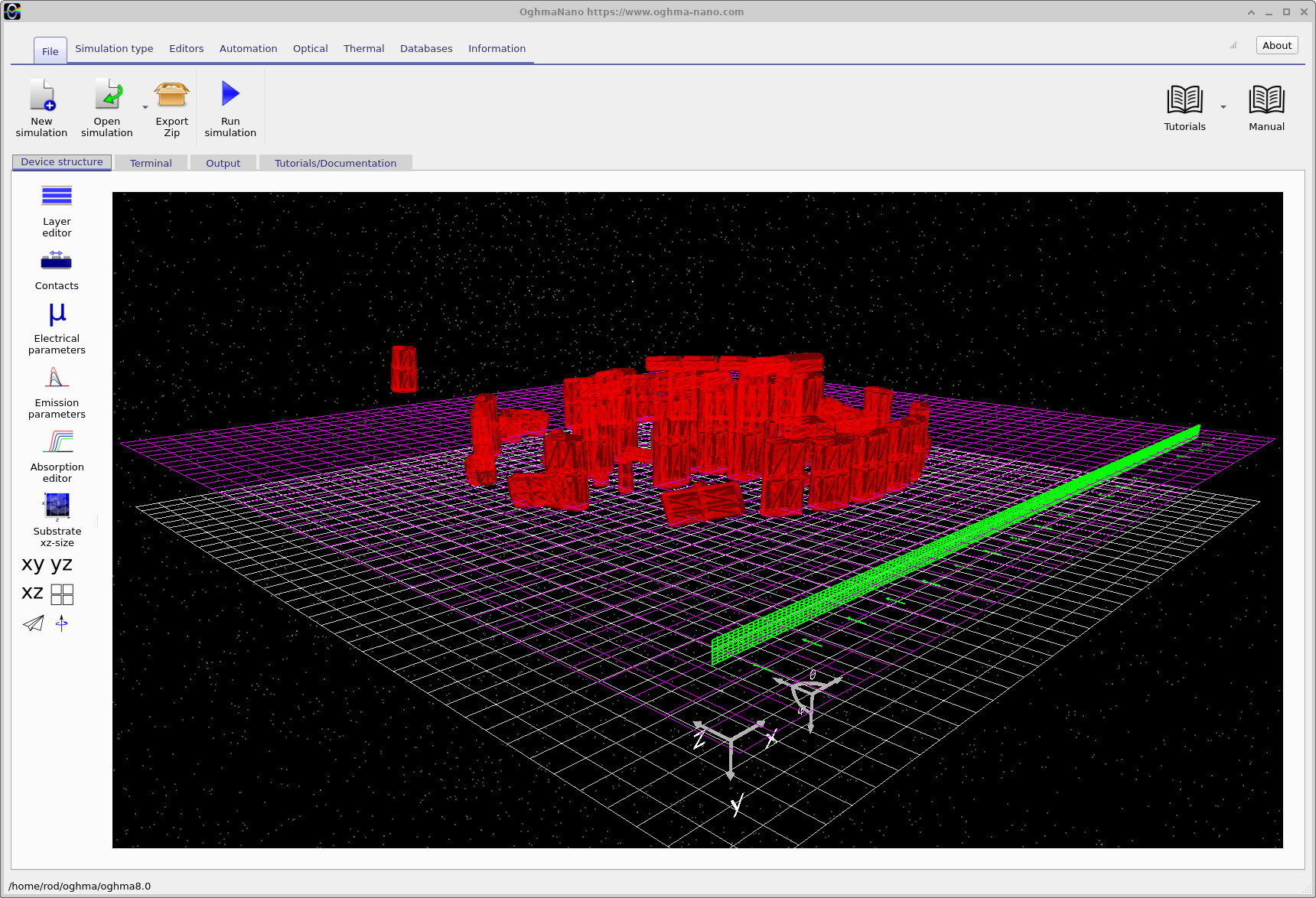
Once the simulation has been created, the main window displays Stonehenge within the computational domain (??). The red mesh represents the stones; the surrounding grid and coloured planes indicate the spatial mesh and RF simulation elements. Rotate and zoom the view to examine the standing stones, trilithons and fallen blocks. The model is approximately 30 m across at the main stone circle, with a more distant Heel Stone beyond it.
This example uses a low-polygon surface model rather than rectangular blocks. The irregular stone outlines make it easy to see that OghmaNano can work with general three-dimensional triangle meshes. The shape of the stone geometry is specified by its mesh; the material response is specified separately through the dielectric material data.
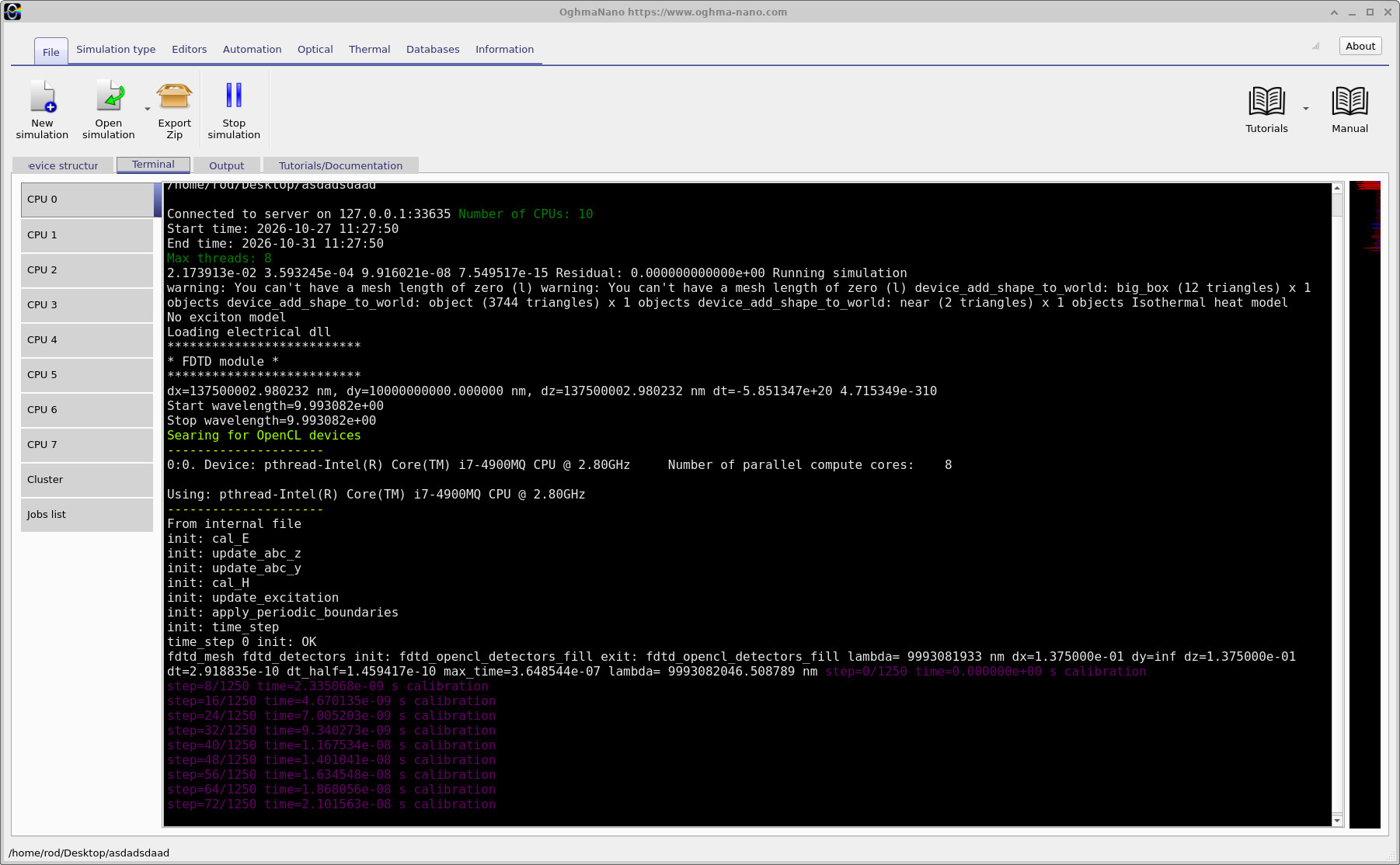
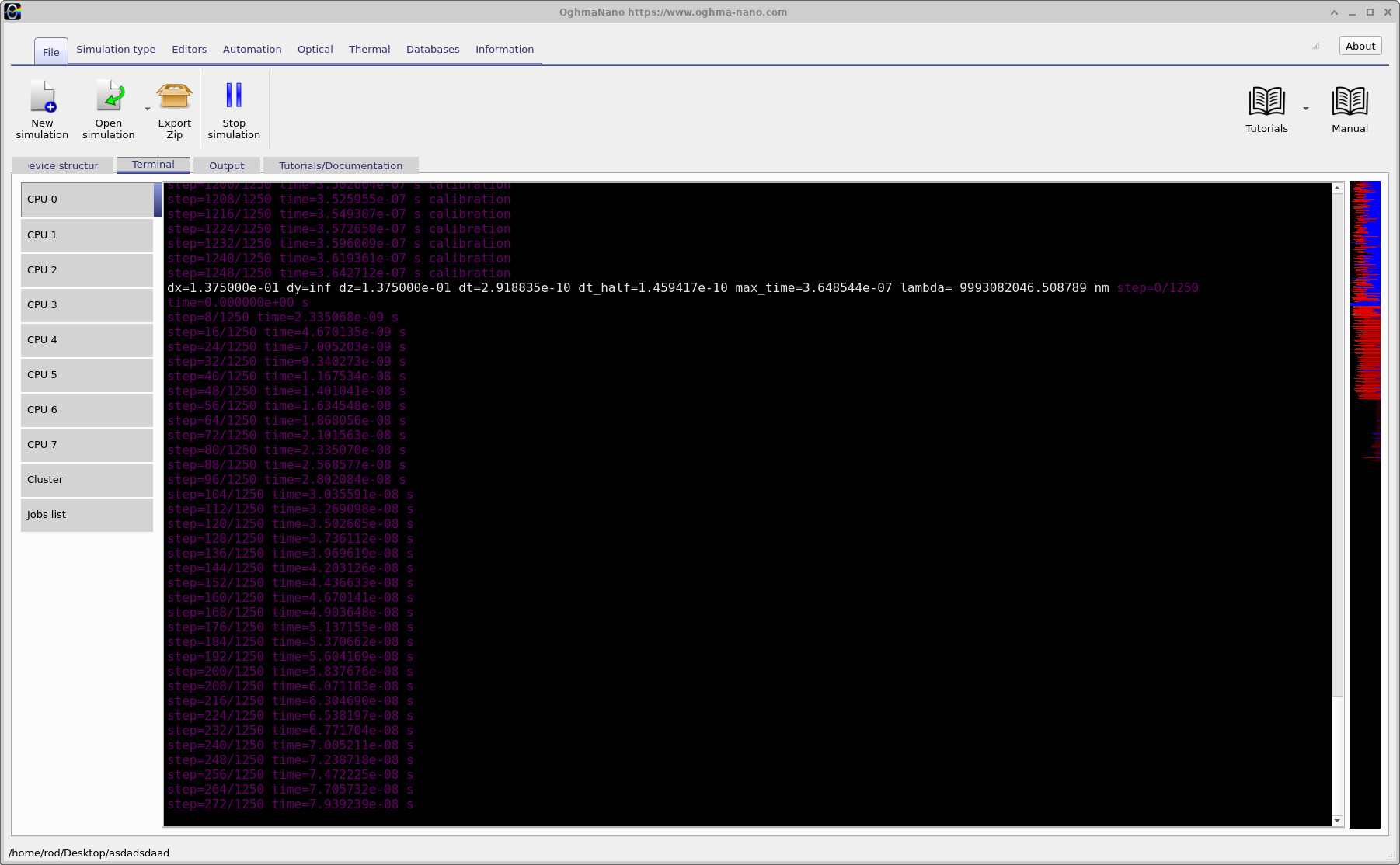
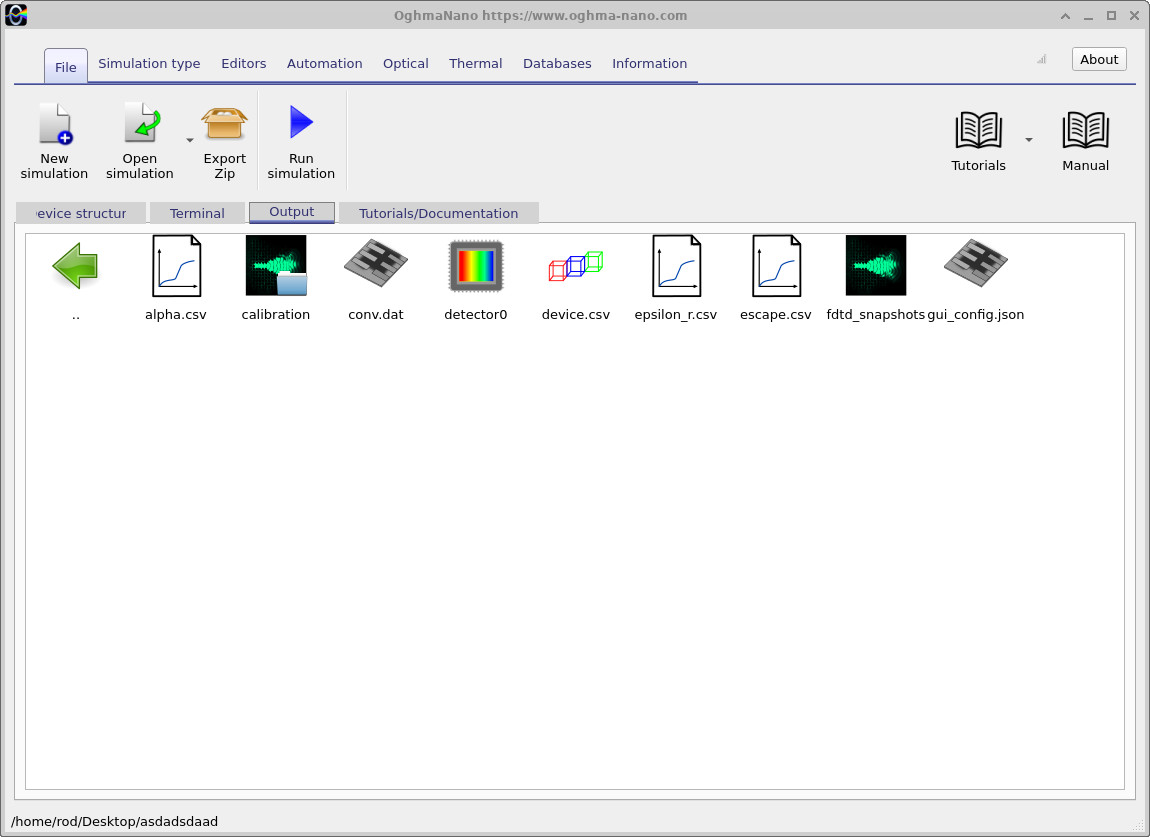
Once you have explored the scene, click Run simulation (the blue play icon), or press F9. OghmaNano reports the progress of the calculation (?? and ??). When the calculation finishes, open the Output tab (??) to view the results. You do not need to change the mesh or material parameters to run the supplied example.
4. Watch the Electromagnetic Field Propagate
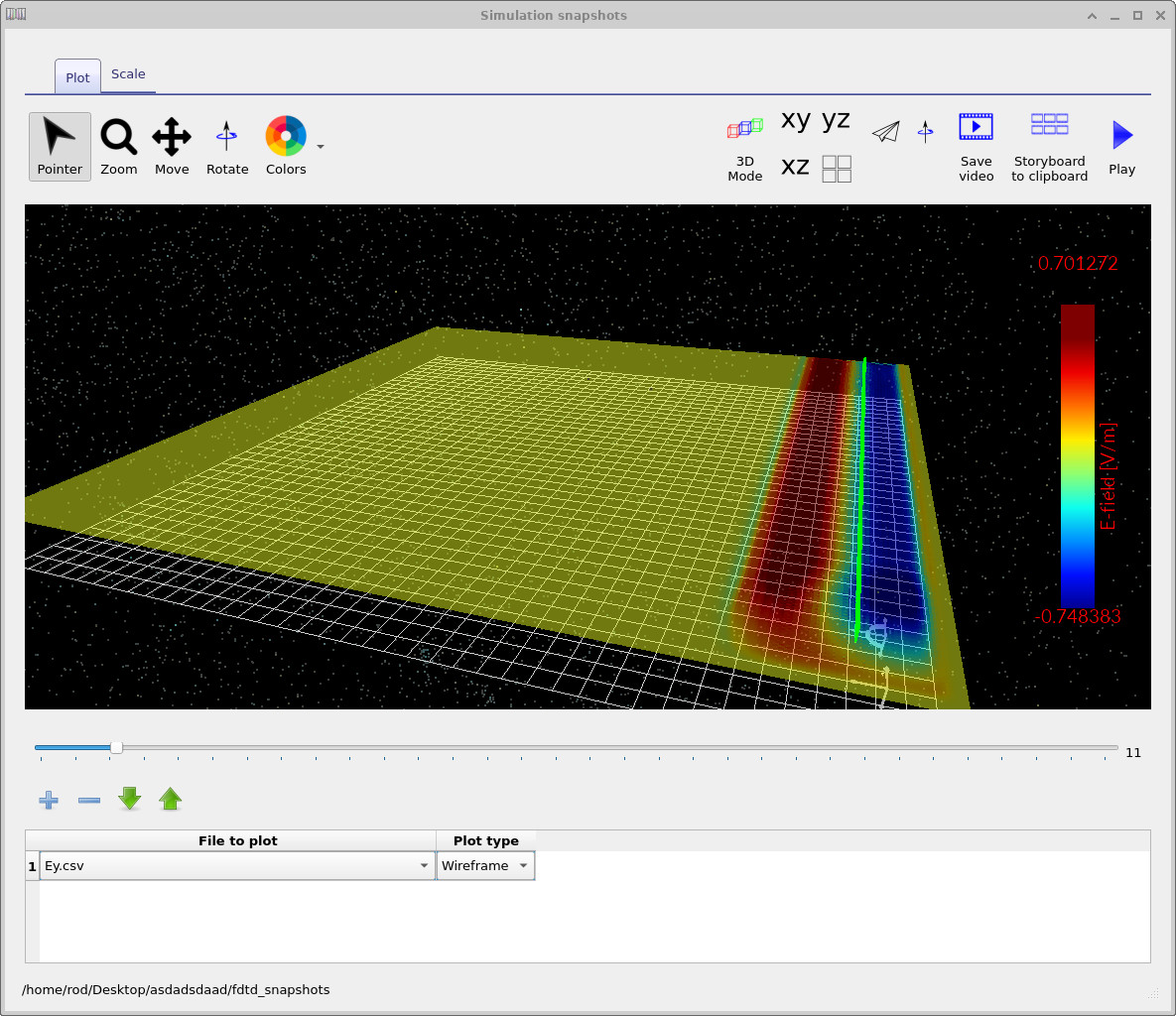
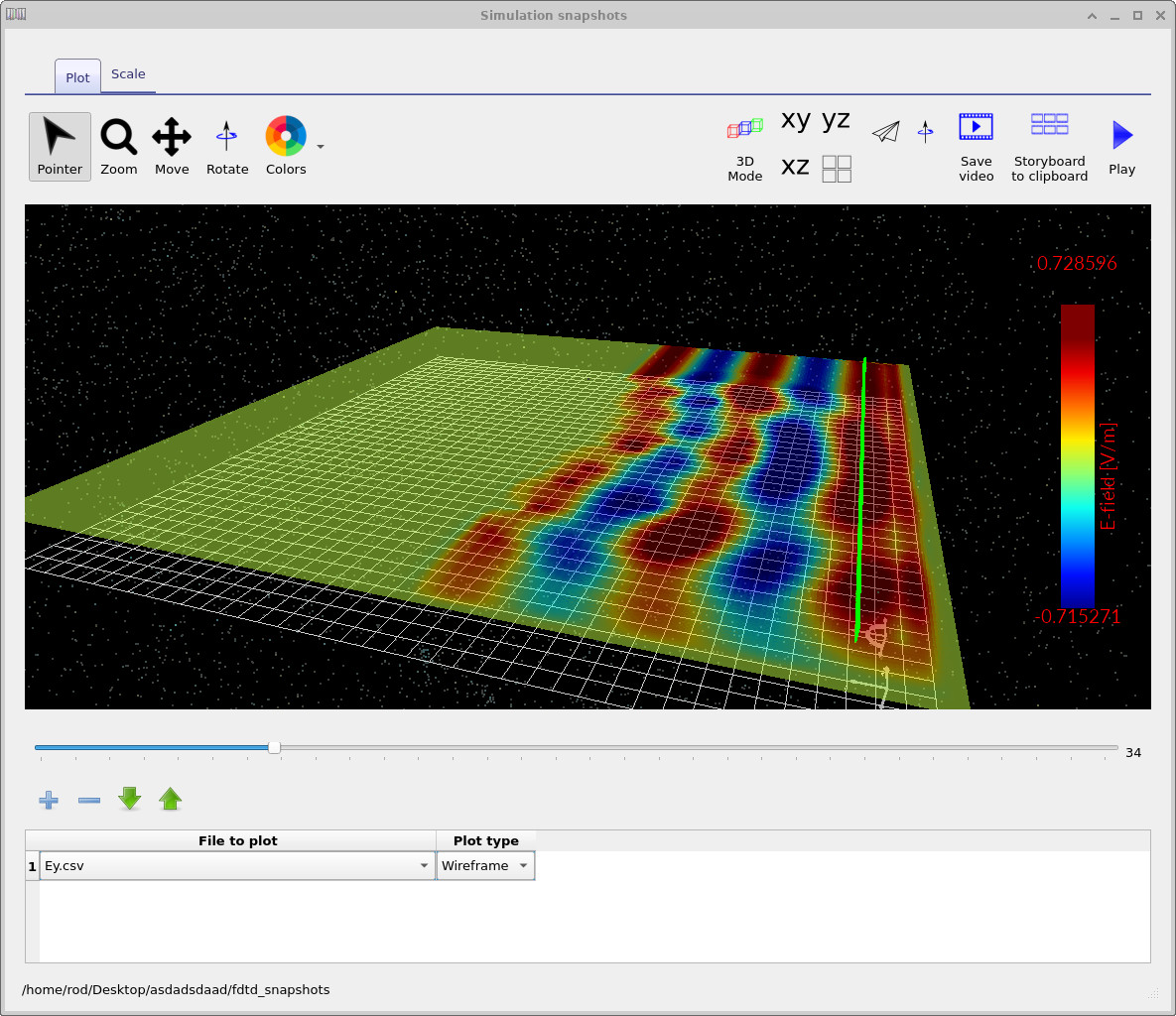
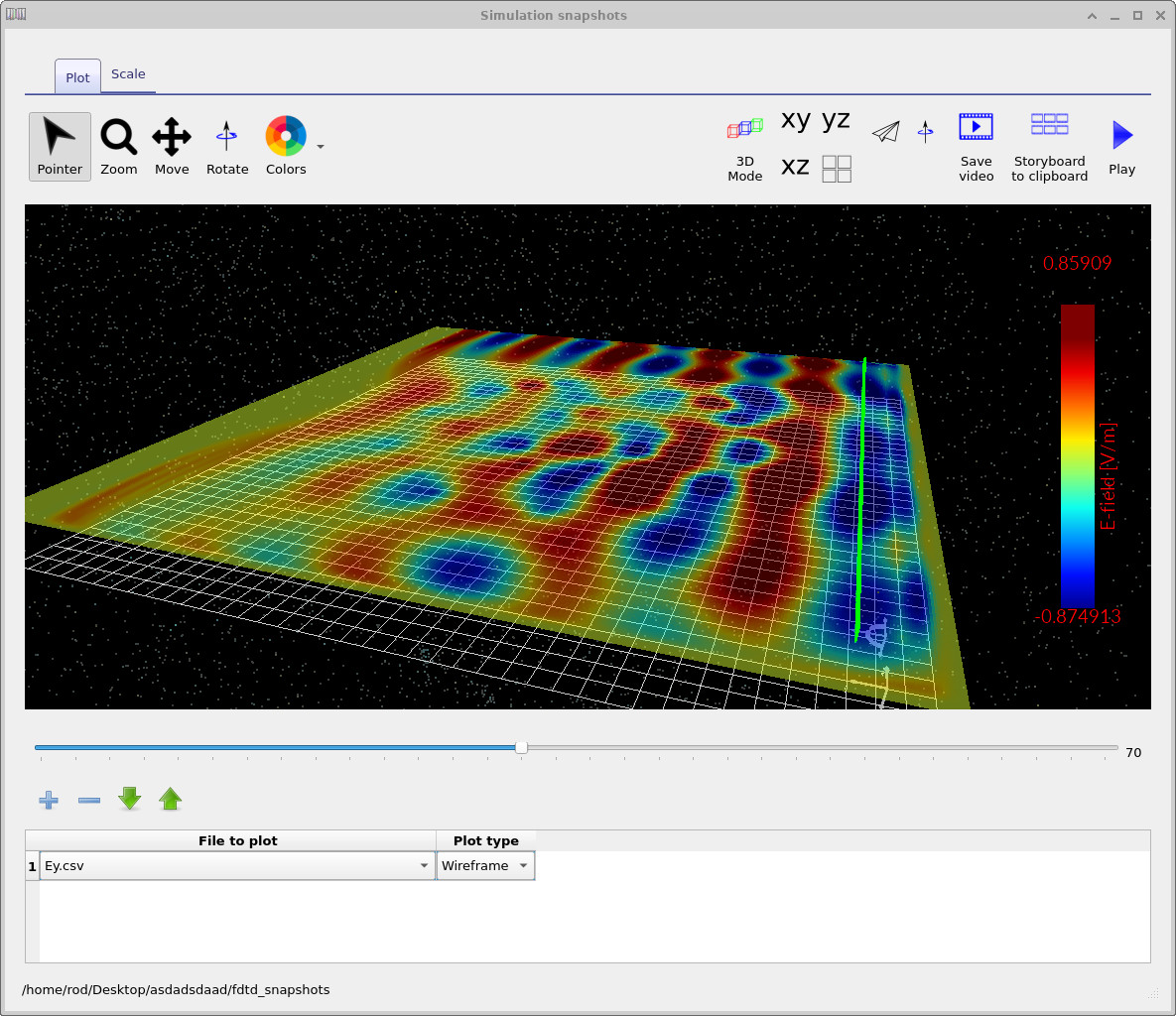
Open the simulation's snapshot results from the output browser. The snapshot viewer allows you to move between saved field states and see the wave advance across the domain. Figures ??, ?? and ?? show three stages of this process. The distribution becomes more complex as the field encounters and passes the stone geometry.
These snapshots are useful for checking that the excitation launches into the intended region and that the simulation responds to the scatterer. The alternating field pattern reflects spatial interference and the wave's phase; a snapshot by itself does not isolate the power reflected by the stones.
5. Material Properties at Radio Frequencies
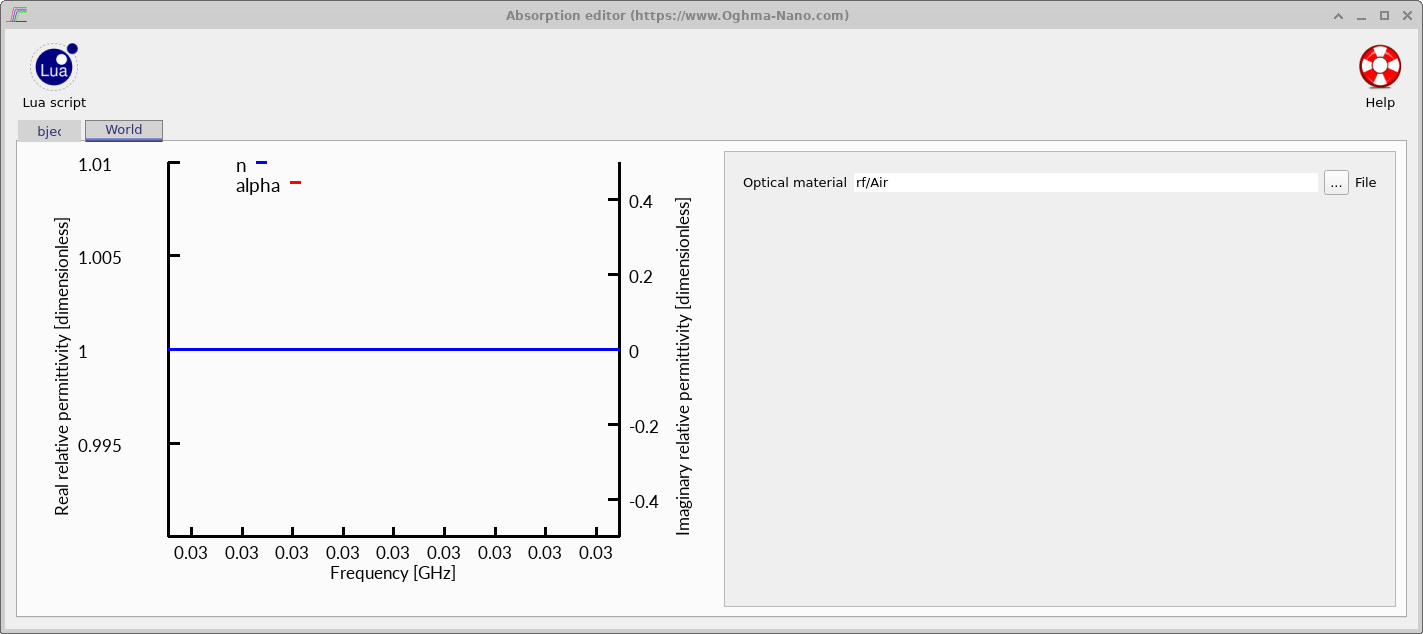
Stonehenge is modelled as a dielectric structure, not a perfect metal reflector. For a simple dry-stone demonstration, a relative dielectric constant of approximately 5 is a useful illustrative value, although actual stone properties depend on composition, moisture and frequency. At radio frequencies, both the real and imaginary components of the relative permittivity can affect propagation.
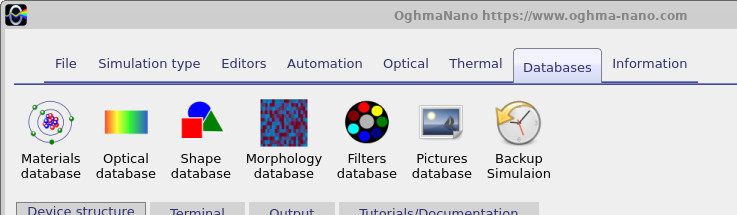
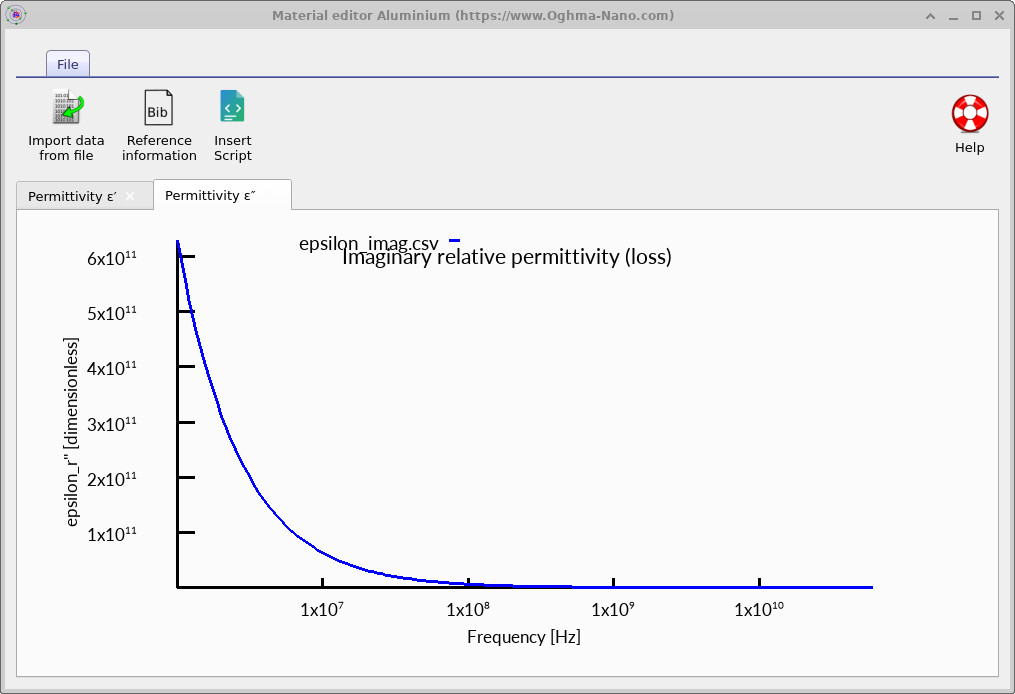
Open the material Database area, illustrated in ??, and the RF materials view (??) to inspect the frequency-dependent electromagnetic data. Unlike optical datasets often plotted against wavelength, RF data are commonly displayed against frequency in Hz, MHz or GHz. OghmaNano stores the real and imaginary parts of the relative permittivity εr = ε'r + iε''r (subject to the solver's sign convention). The real component of permittivity primarily affects phase velocity and wavelength in the material, whereas the imaginary component represents dielectric loss under the chosen sign convention. A conductive material can exhibit a very large effective imaginary relative permittivity at low frequencies.
For example, if a material is represented by an electrical conductivity σ, the magnitude of its conductivity-related imaginary relative permittivity is \[|\varepsilon_r''(f)|=\frac{\sigma}{2\pi f\varepsilon_0}.\] Consequently this term increases as frequency decreases. A metal example is shown in ??. Do not use the metal curve for Stonehenge: the stone example requires its own dielectric material data.
For reference, at 30 MHz a free-space wave has a wavelength of approximately 10 m. In a weakly lossy dielectric with εr≈5, its wavelength becomes about 4.5 m. This makes metre-scale stones sufficiently large to alter the propagation pattern. See also FDTD theory for the underlying electromagnetic equations.
6. Simulation Domain and Mesh
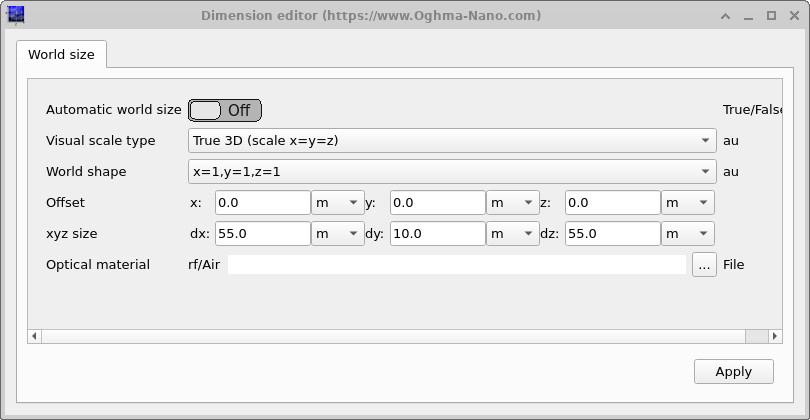
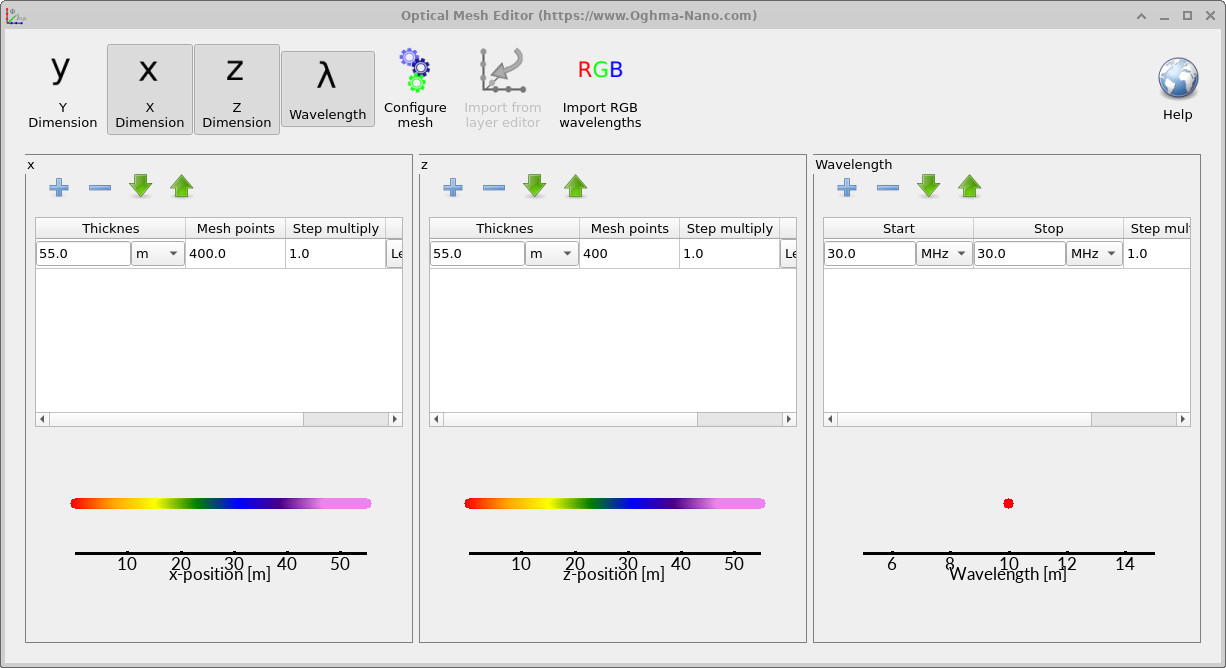
The numerical domain must contain the monument, incident wave and detector positions, with sufficient space for the fields to propagate. The Simulation size dialog is shown in ??. The mesh can be inspected using the mesh controls in ??. Start with the preconfigured values supplied by the example; only increase the domain size or grid density if you are testing accuracy or investigating the boundary response.
The mesh spacing must resolve both the electromagnetic wavelength inside the dielectric and the significant features of the imported stone geometry. Finer cells generally improve geometric and field resolution but increase the memory and runtime required for a 3D FDTD calculation. A single mesh is not proof of convergence: for a quantitative study, repeat the simulation with a finer mesh and check that the detector spectrum changes little.
Boundary conditions are especially important in an open-space scattering calculation. An absorbing boundary should minimise artificial reflections returning from the edge of the mesh. The associated output is illustrated in ??. Its precise interpretation depends on the quantity selected for plotting.
💡 Tip: The most informative mesh test is to compare the same detector observable on successively finer grids, rather than judging convergence from the appearance of a colour plot alone.
7. Measuring Scattered Power as a Function of Frequency
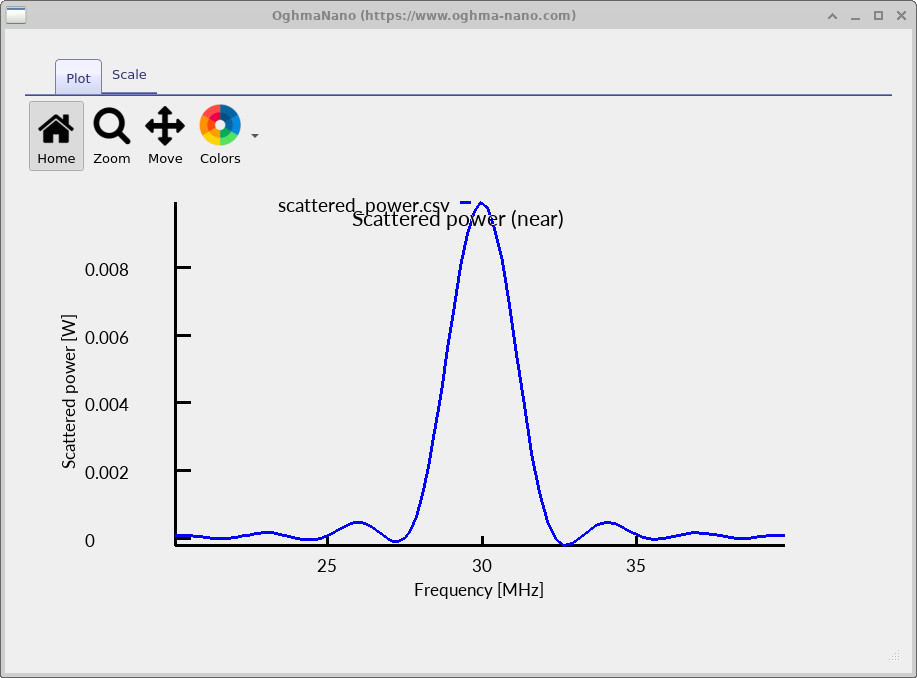
A picture of the field is useful, but an RF simulation also needs a quantitative result. The example uses detectors which record the electric and magnetic fields, including their x, y and z components. This information allows the electromagnetic Poynting vector, representing power flow per unit area, to be calculated. For the instantaneous fields, \[\mathbf{S}(t)=\mathbf{E}(t)\times\mathbf{H}(t).\] In the frequency domain, the time-averaged power-flow density for complex phasors is \[\langle\mathbf{S}(f)\rangle=\tfrac{1}{2}\operatorname{Re}\!\left[\mathbf{E}(f)\times\mathbf{H}^{*}(f)\right].\] The relevant detector quantity is the component of this vector normal to the detector plane; its sign depends on the chosen detector orientation. See FDTD detectors for further information on detector outputs.
To identify the influence of the monument, compare two otherwise identical calculations: one with Stonehenge and one with air only. The differential detector power is then \[\Delta P(f)=P_{\mathrm{Stonehenge}}(f)-P_{\mathrm{air}}(f).\] Here each \(P(f)\) is evaluated from the electric and magnetic fields using the appropriate Poynting-vector component (and, where applicable, detector-surface integration). A negative difference indicates that less net power flows in the detector's chosen positive direction when the monument is present. It does not, by itself, imply that the missing energy was absorbed by the stone: reflection, redirection and interference can all change the measured value.
The resulting frequency-domain spectrum is shown in ??. The pronounced spectral feature demonstrates that the effect of the monument depends on frequency. Its interpretation depends on the source spectrum, detector position and orientation, and the chosen normalisation; it should not automatically be labelled a structural resonance.
💡 Interpreting the sign: Power is directional. If the detector normal is reversed, the signed Poynting-vector component reverses too. When comparing results, keep the detector position, area, normal direction and reference run consistent.
8. From Stonehenge to a Residential Street
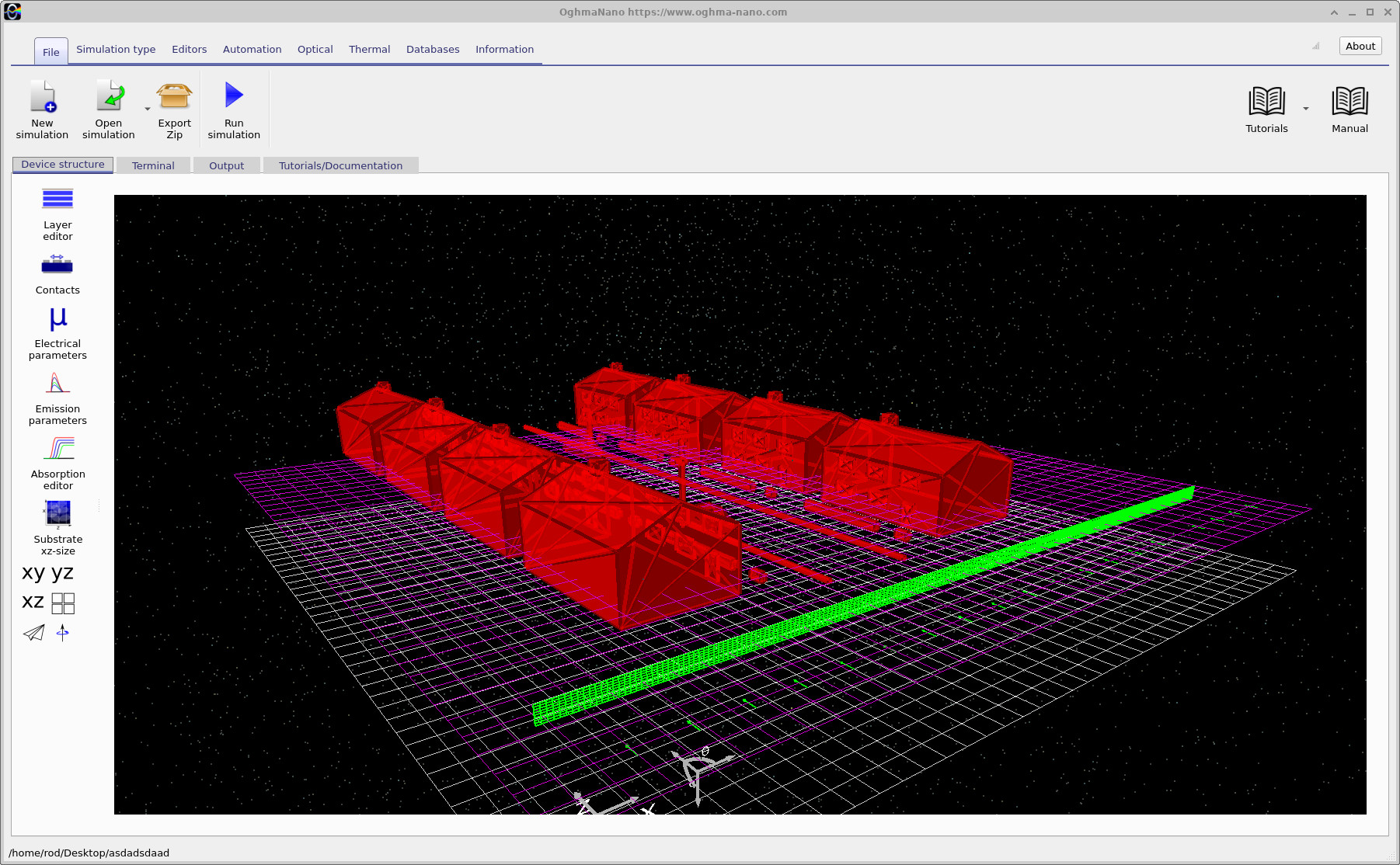
The same approach works for many other RF geometries. In a second example, replace the monument with a simplified British residential street. The scene consists of rows of houses, pitched roofs and small geometric details (??). Like Stonehenge, this is a low-polygon geometry intended to demonstrate the solver rather than a fully detailed construction model. The street is designed to occupy approximately the same size of simulation domain, making it possible to reuse a similar excitation and detector arrangement.
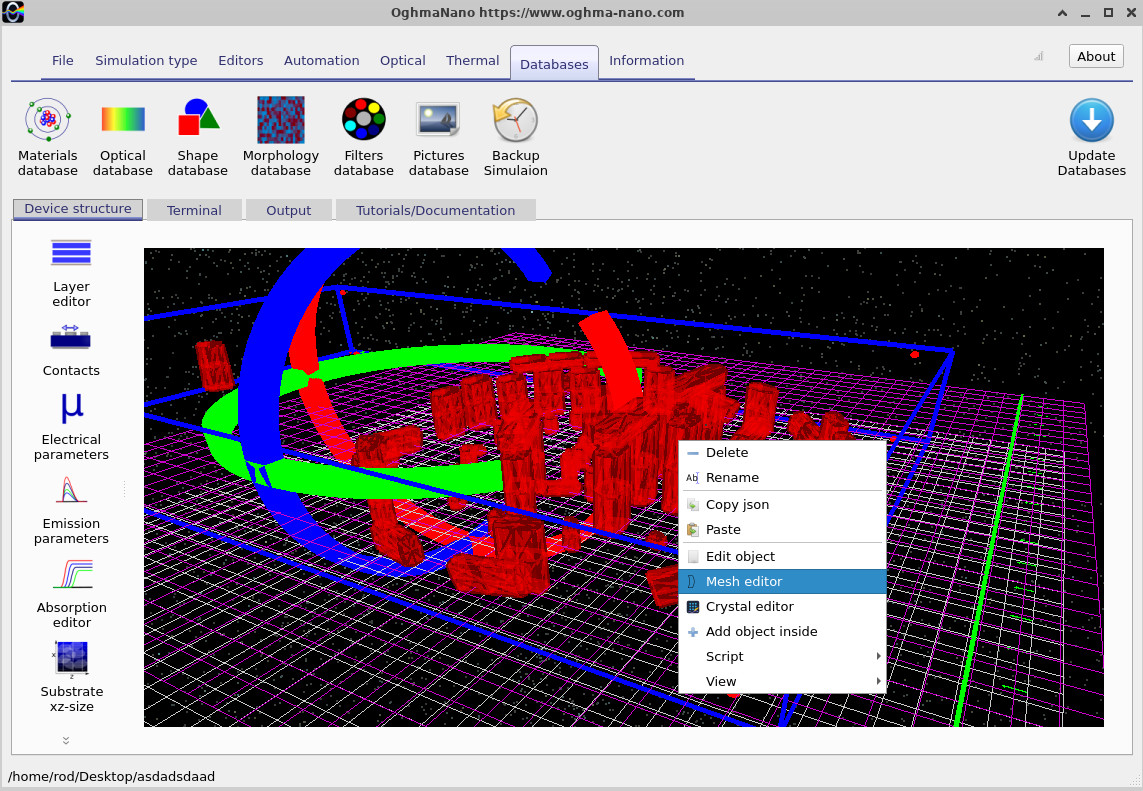
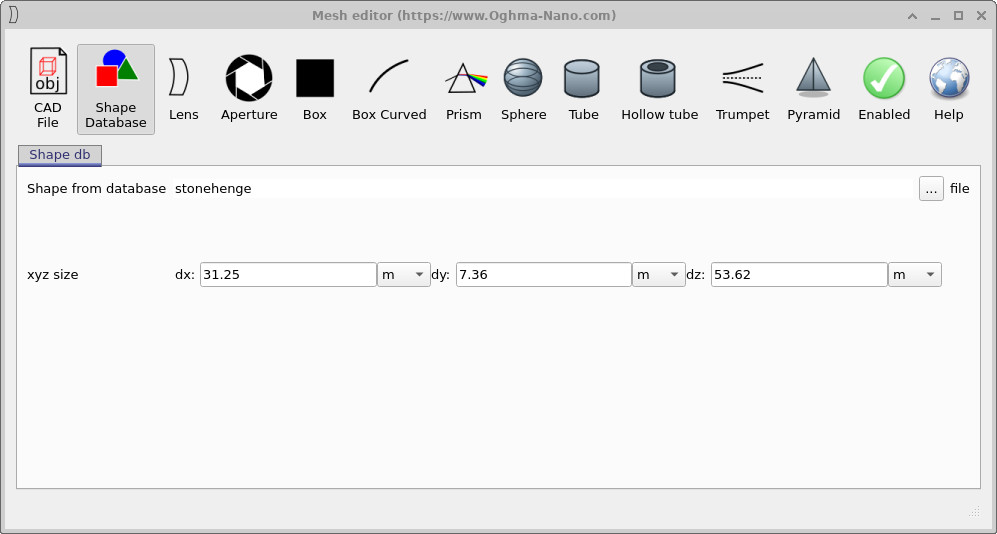
To inspect or change the residential-street geometry, right-click the street object in the 3D view (??) and open its geometry/mesh controls (??). These editing tools are introduced here because you are now working with an alternative imported model, rather than needing to modify Stonehenge before its first run. For related geometry operations, see the step editor documentation.
For this introductory comparison, the buildings can be assigned a single dielectric material. They are therefore best understood as simplified solid dielectric structures, not as realistic houses with air-filled interiors, glass windows, layered roofs and distinct brick walls. Nevertheless, they allow you to investigate field transmission, reflection and spatial shadowing in a recognisable built environment.
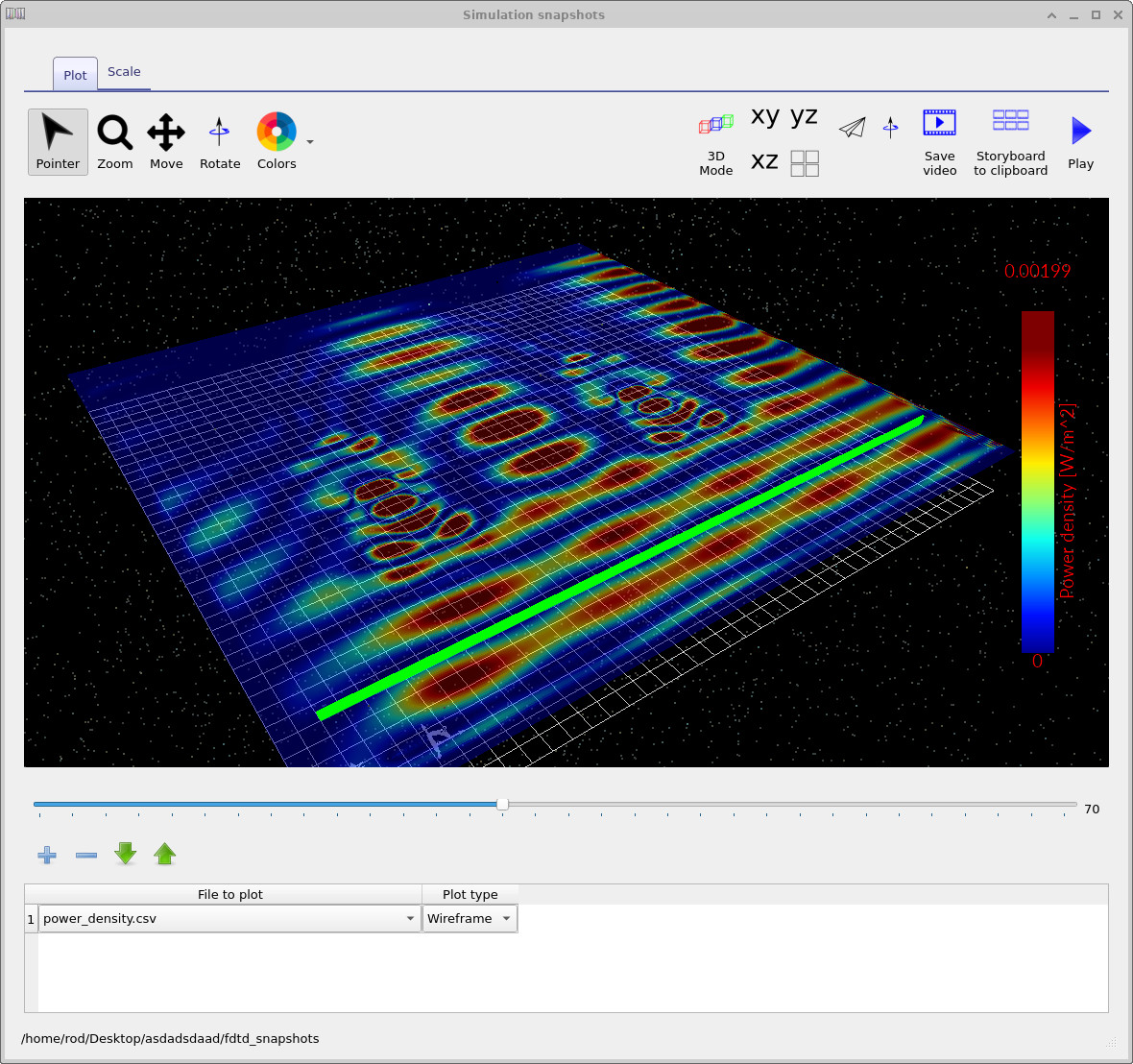
After running the street simulation, open its steady-state power-density result, shown in ??. Regions of higher and lower power density can be seen around and between the buildings. The spatial structure illustrates how rows of obstacles can alter the electromagnetic field compared with unobstructed space.
Although the street and Stonehenge simulations have different physical motivations, they use the same underlying FDTD equations. This is one of the advantages of working with general triangle-mesh geometries: once the mesh and material properties are defined, the electromagnetic solver can be applied to a broad range of RF problems.
9. Interpreting the Results and Limitations
These simulations demonstrate how radio-frequency waves interact with complex three-dimensional dielectric objects. The Stonehenge example emphasises scattering from an irregular arrangement of isolated stones; the street example emphasises propagation around a repeated arrangement of larger buildings. In both cases, the visualisation shows where power varies, while the detector spectrum measures how the response changes with frequency.
There are important limitations. Real building materials are heterogeneous, the Stonehenge geometry is approximate, and the spatial grid resolves only features sufficiently larger than the mesh spacing. The results should therefore be treated as simulation demonstrations, not as validated predictions of measured RF behaviour at Stonehenge or in a specific street. For quantitative engineering work, validate the dielectric parameters, check mesh convergence, inspect boundary reflections and compare against a known benchmark or measurement.
Congratulations! You have run a three-dimensional RF FDTD simulation, watched field propagation, extracted a frequency-domain change in directional power flow and seen how replacing the geometry can produce a different electromagnetic environment.
10. Useful Simulation Outputs
The Output tab provides access to snapshots, detector measurements and other solver results. The precise file list depends on the configuration of the simulation, but the following categories are useful when studying RF scattering. The output browser itself is shown in ??.
| Output | Purpose |
|---|---|
| Field snapshots | Show the propagation and scattering of electromagnetic fields through time. |
| Electric-field components | Provide Ex, Ey and Ez for field and power calculations. |
| Magnetic-field components | Provide Hx, Hy and Hz for the Poynting vector. |
| Detector spectra | Measure frequency-dependent power flow through a selected detector plane. |
| Air-only reference | Provides the baseline for calculating differential received power. |
| Steady-state field or power maps | Show the spatial redistribution of electromagnetic energy around objects. |